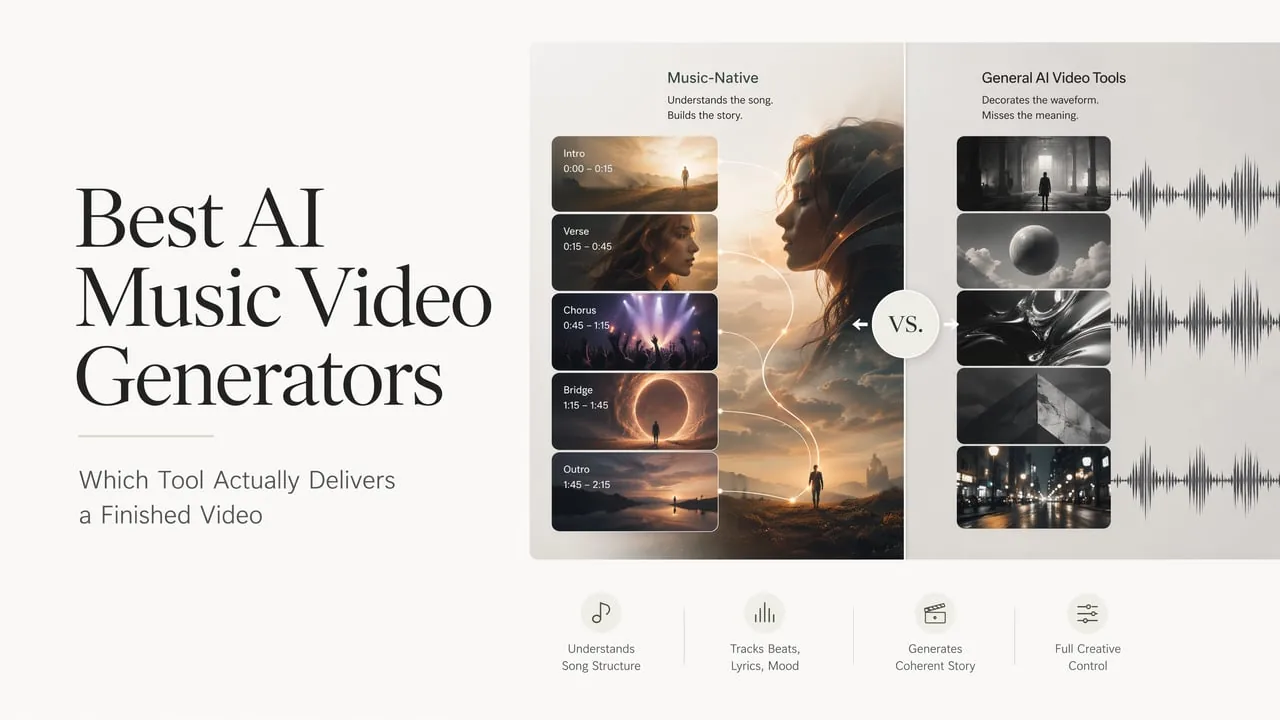

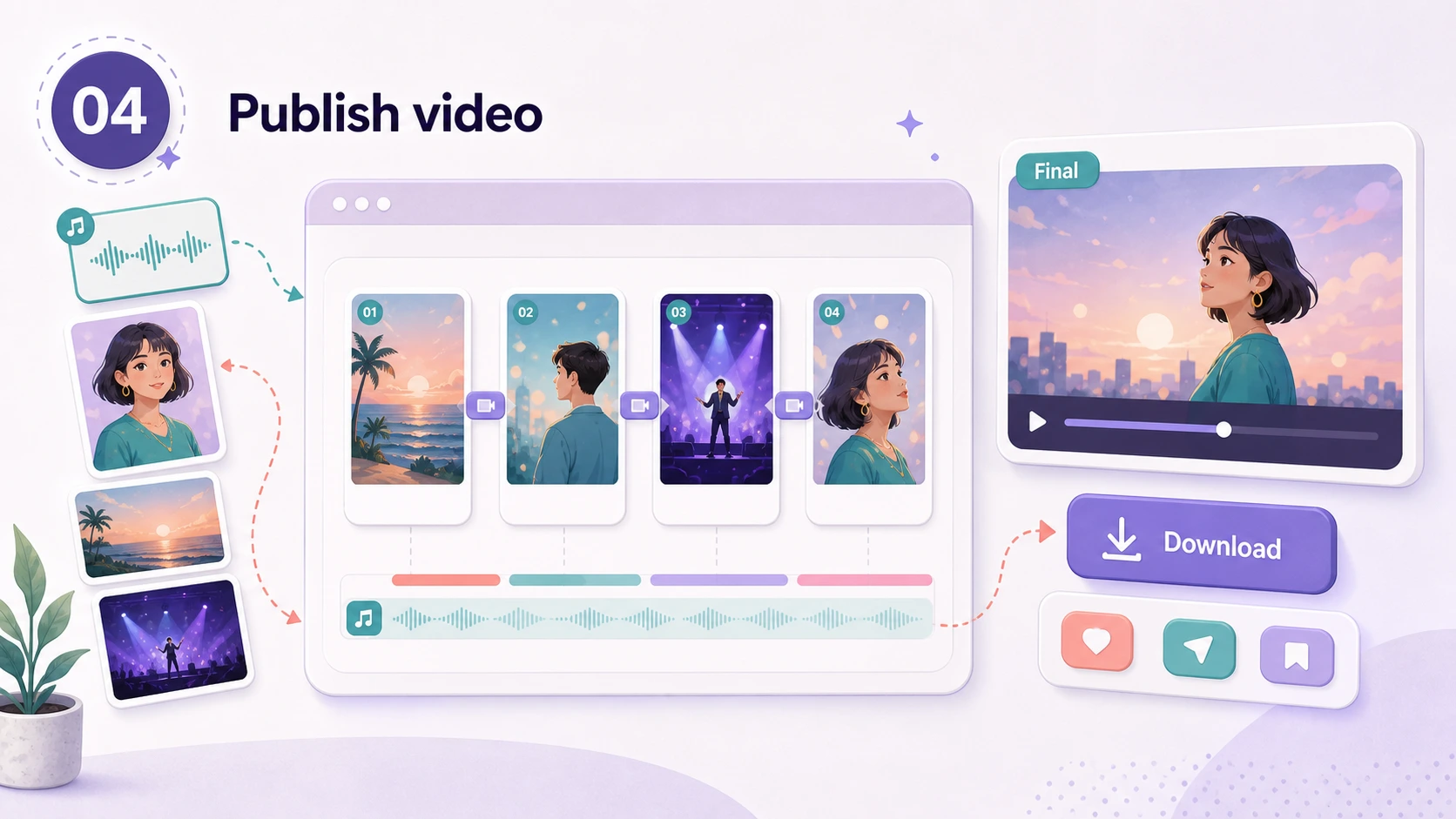
An AI music video generator helps musicians, creators, marketers, and editors turn a song, lyric hook, mood, reference image, or release idea into a directed visual workflow. Instead of starting with a blank timeline, you plan the music-video concept, choose AI music or AI video models, estimate credits, generate scenes, and prepare assets for platforms like TikTok, Reels, Shorts, and YouTube.
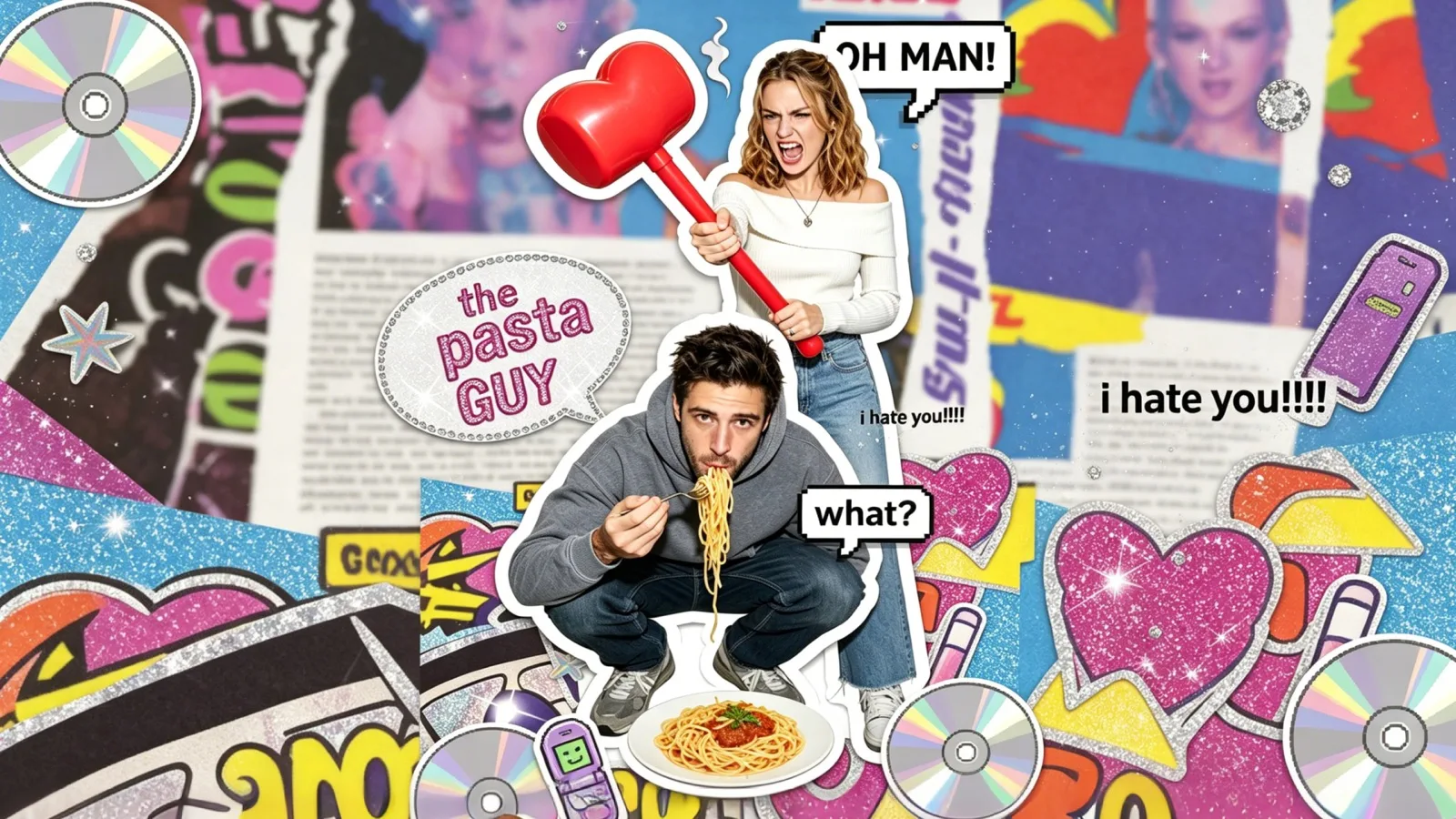
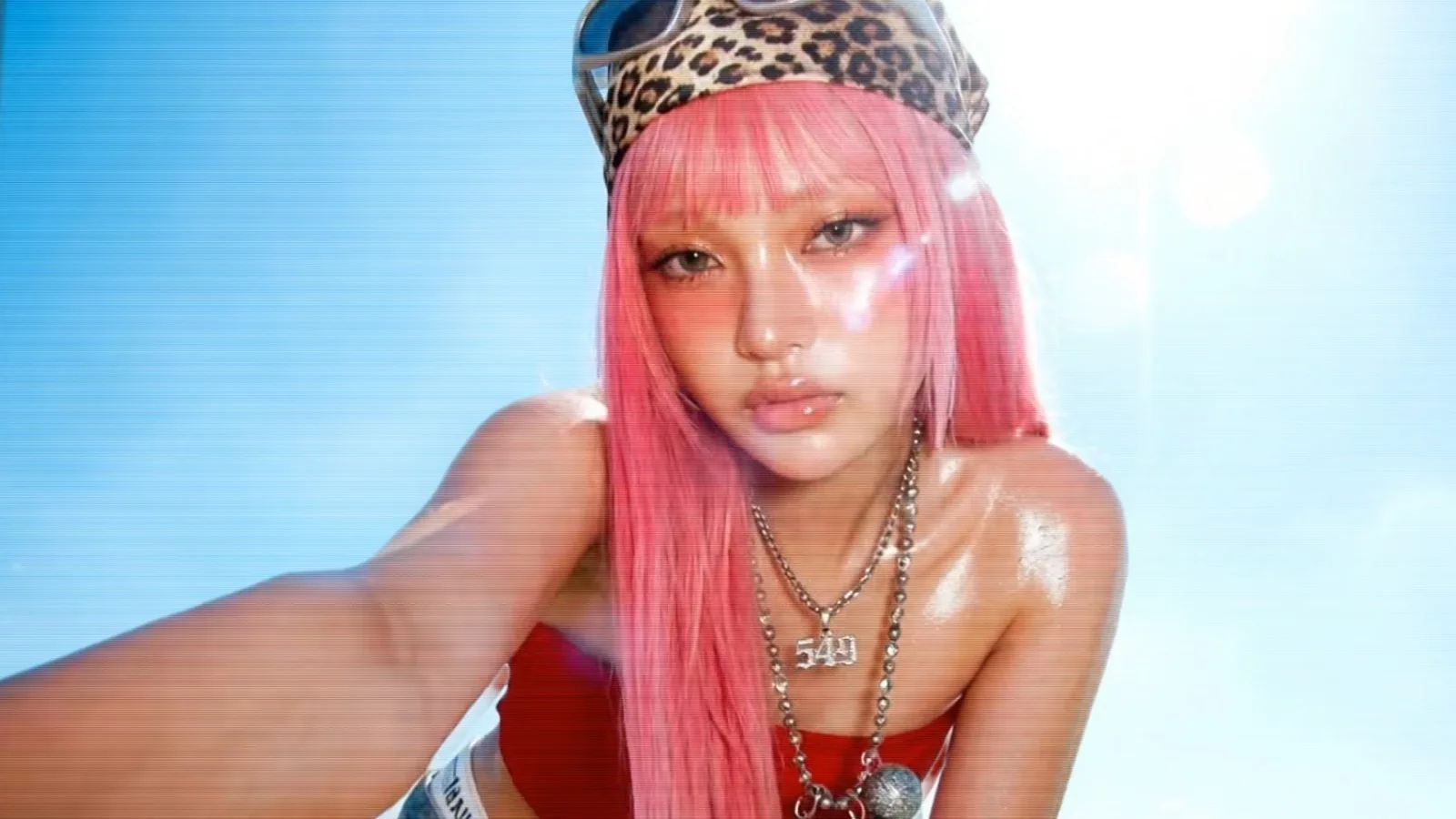
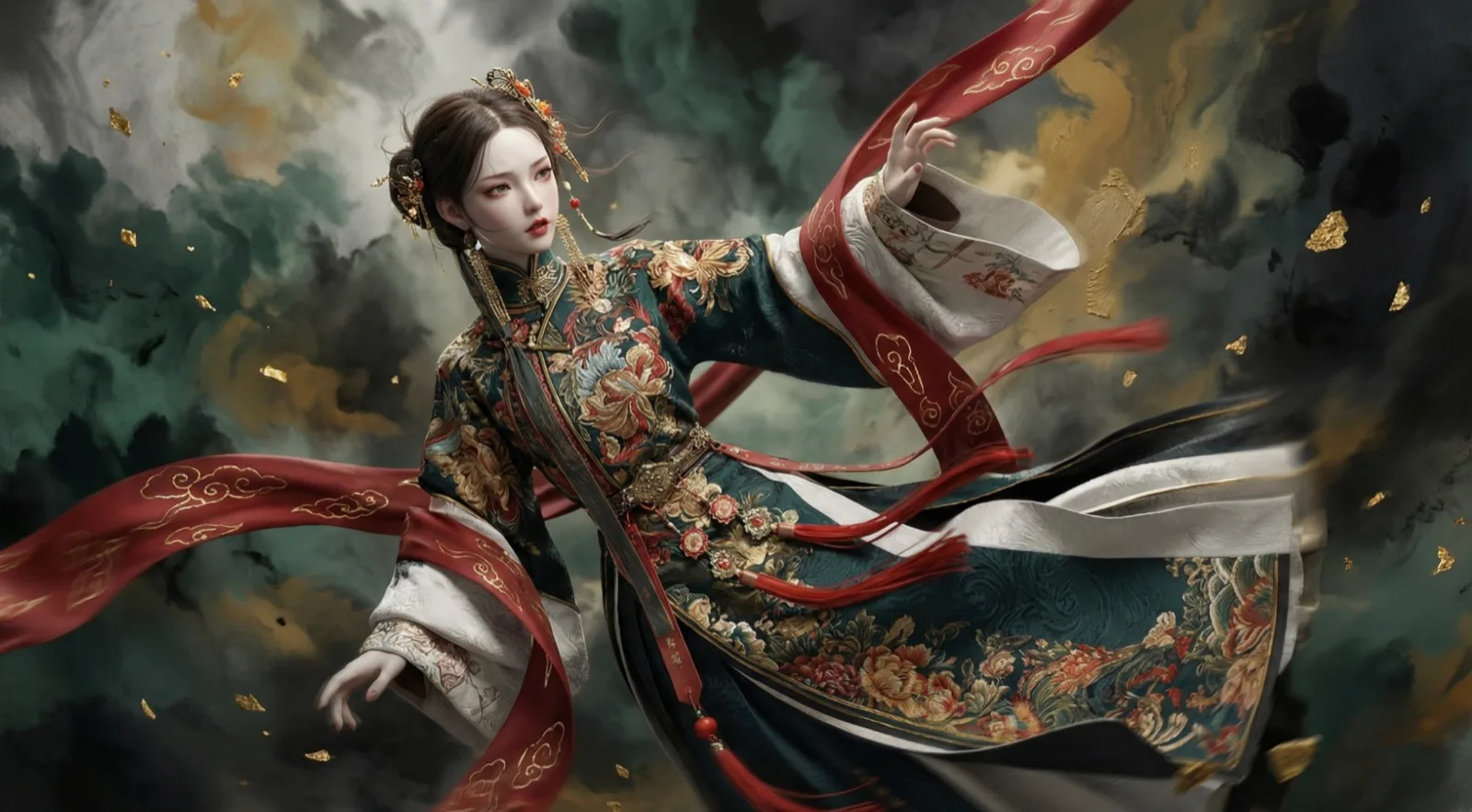
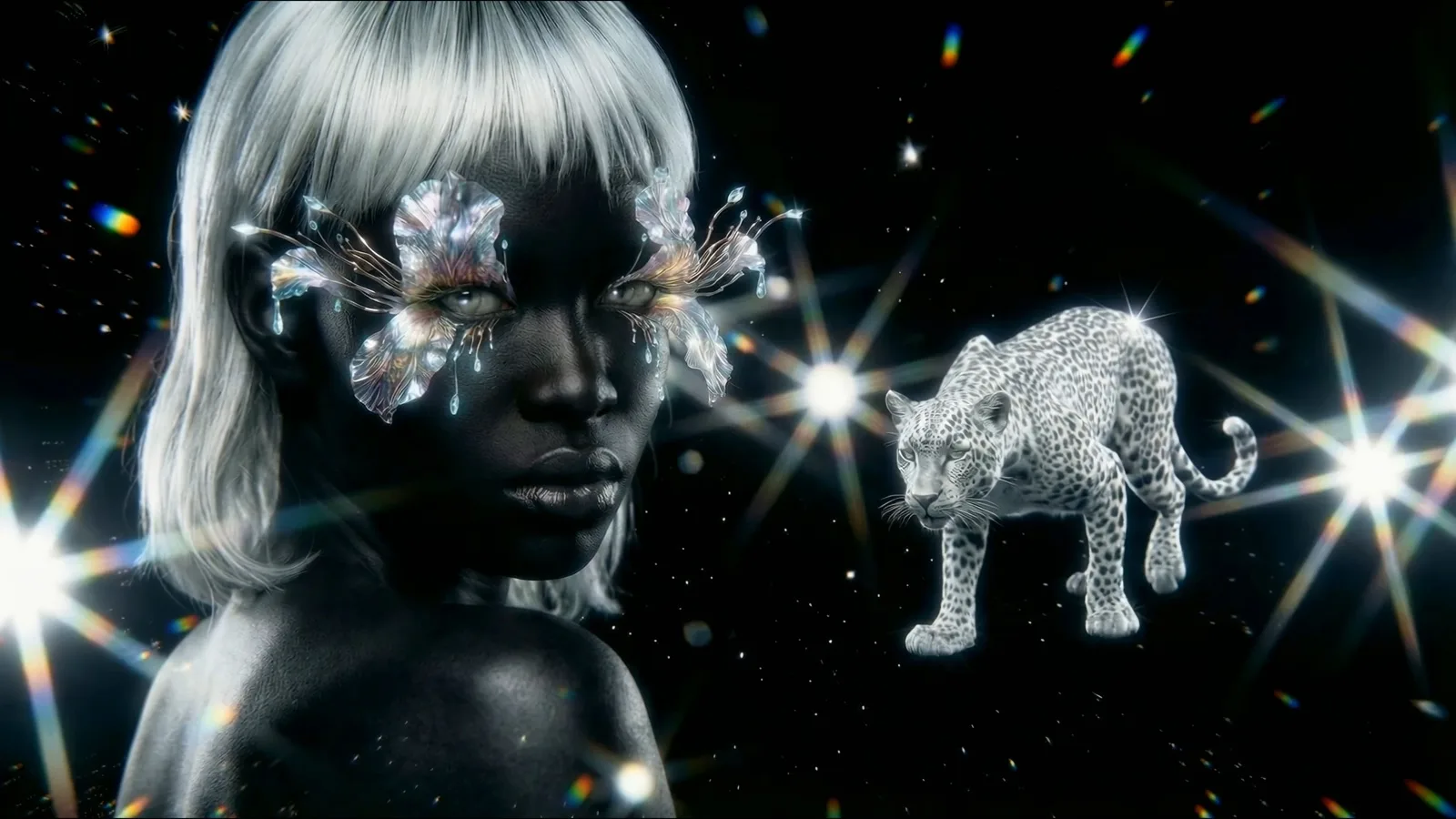
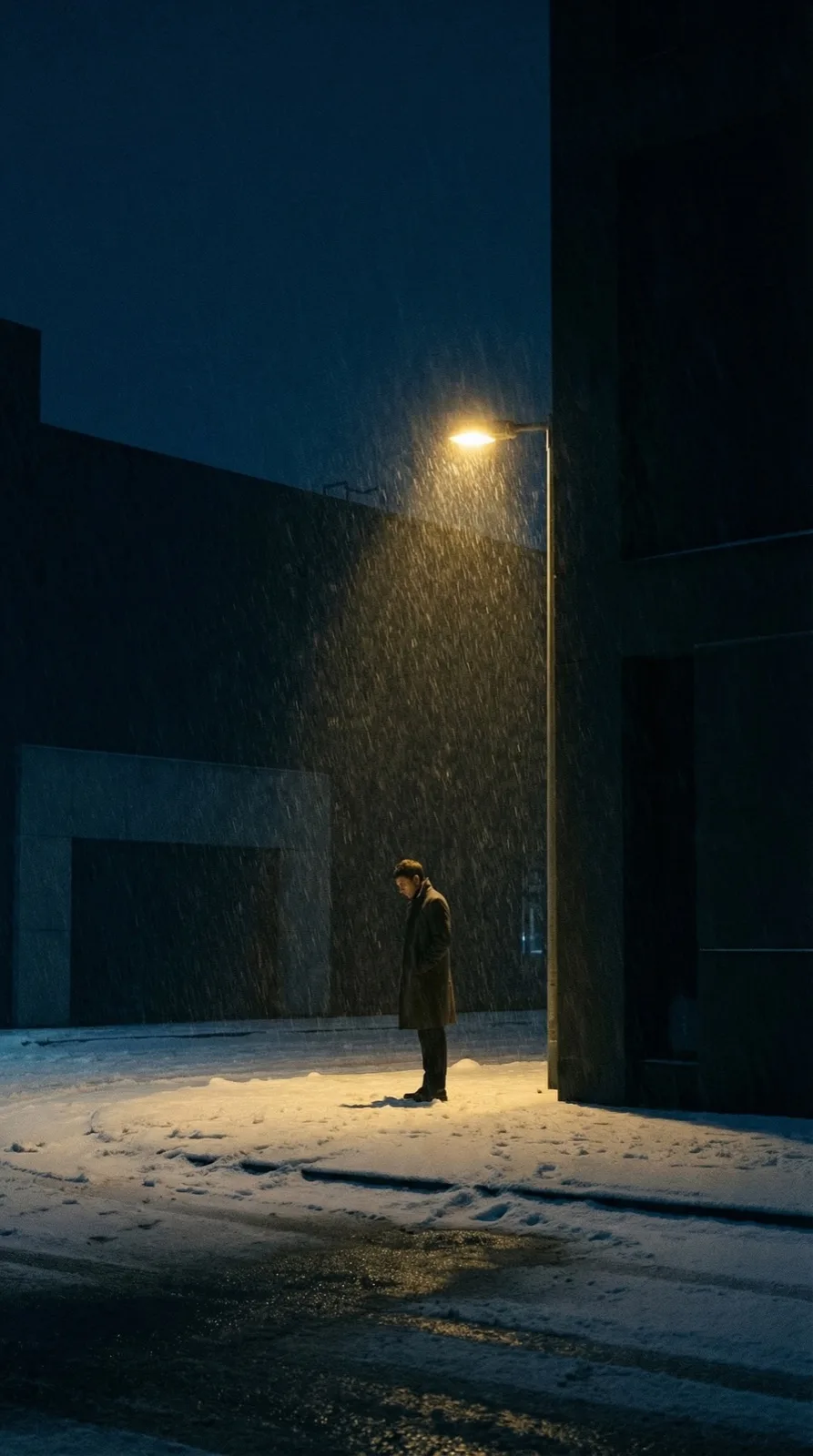
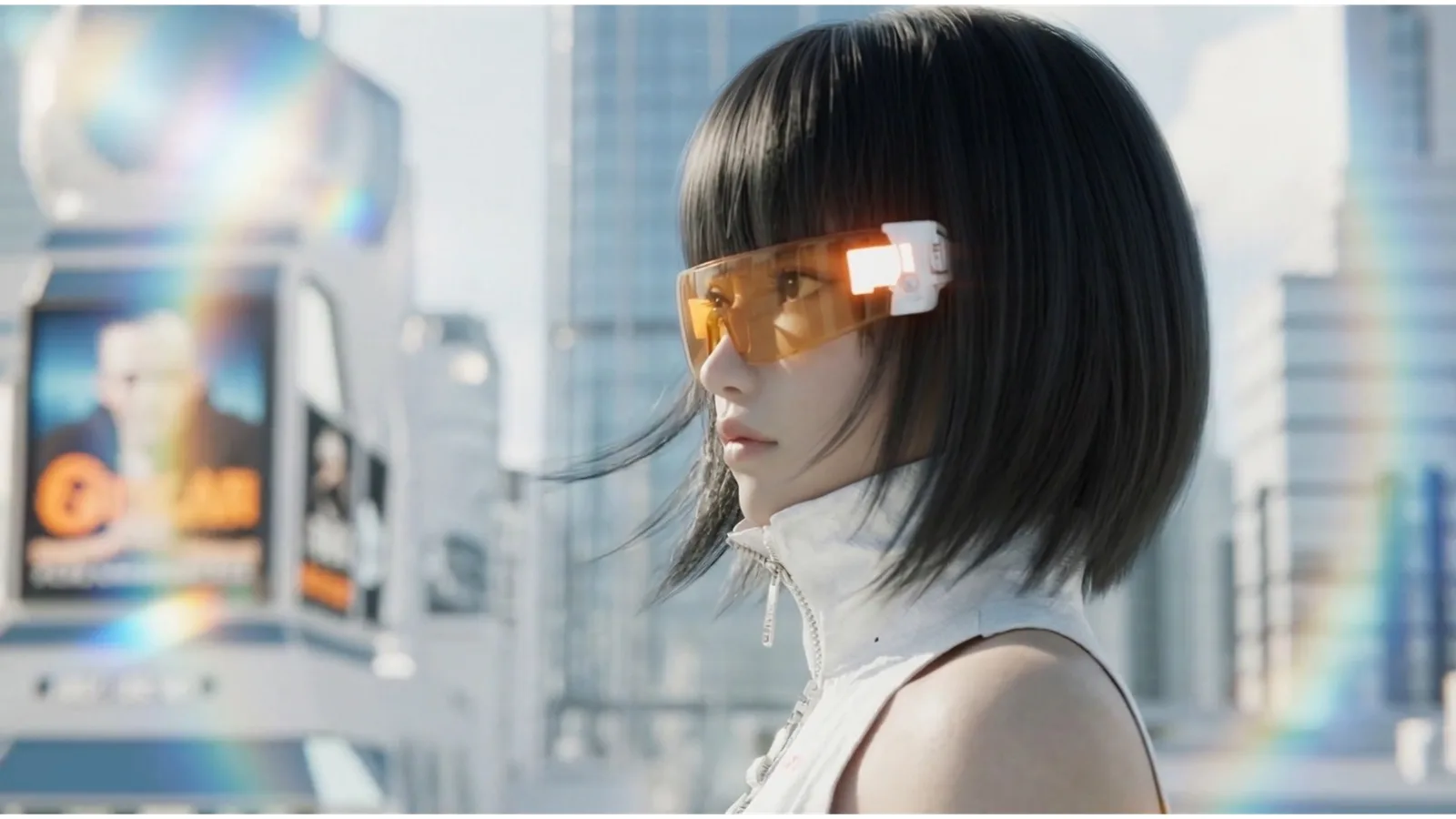

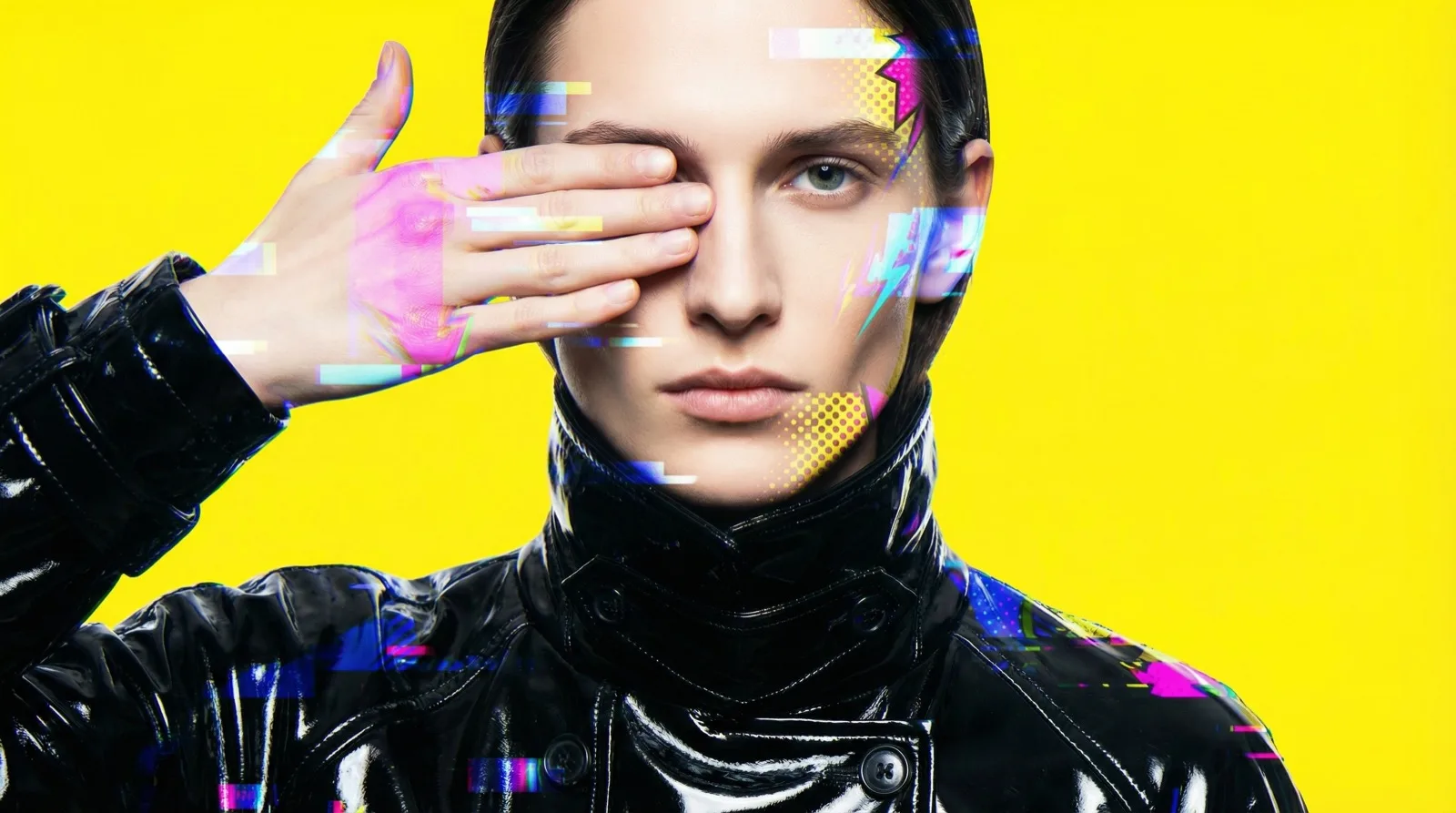
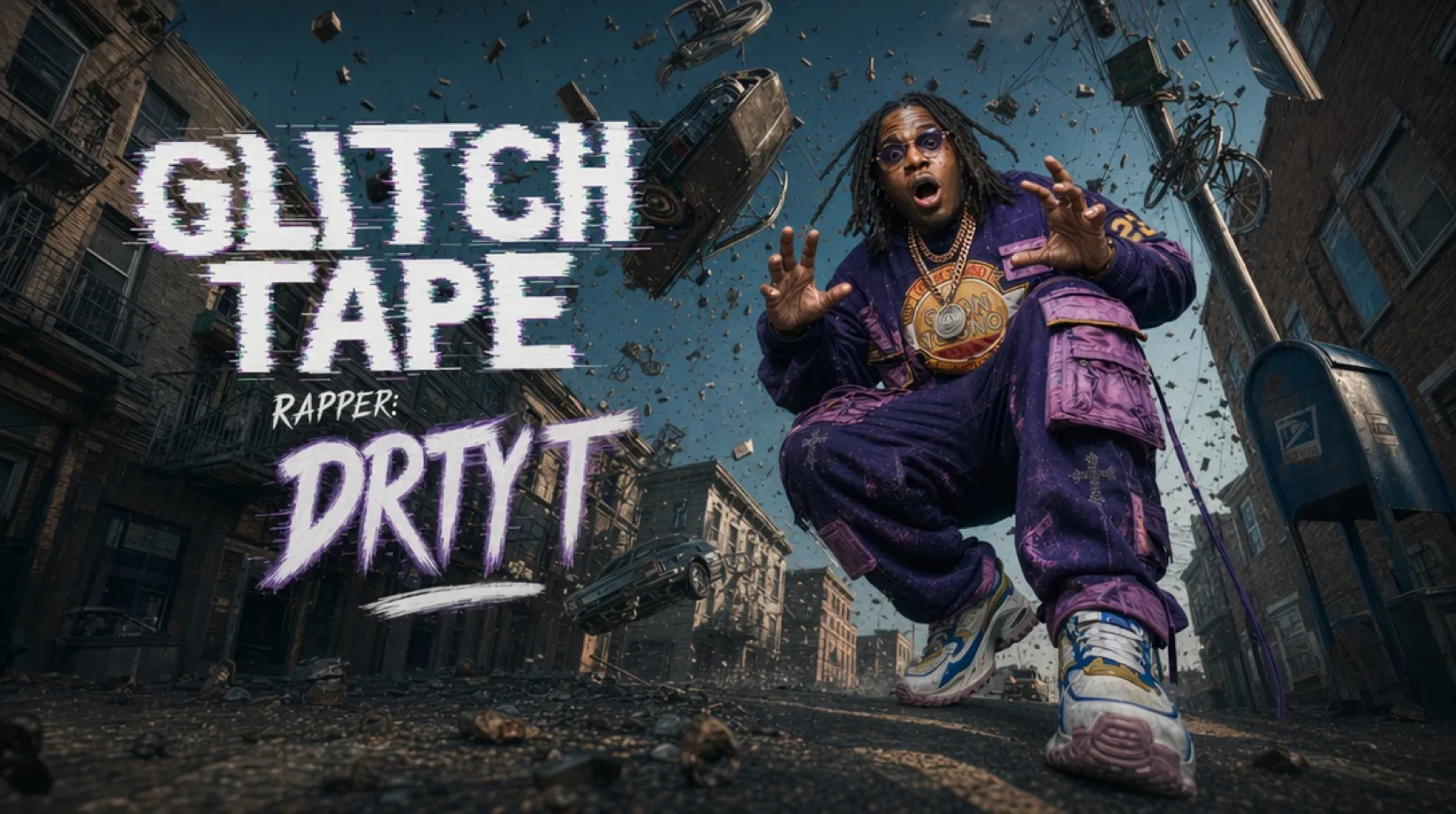
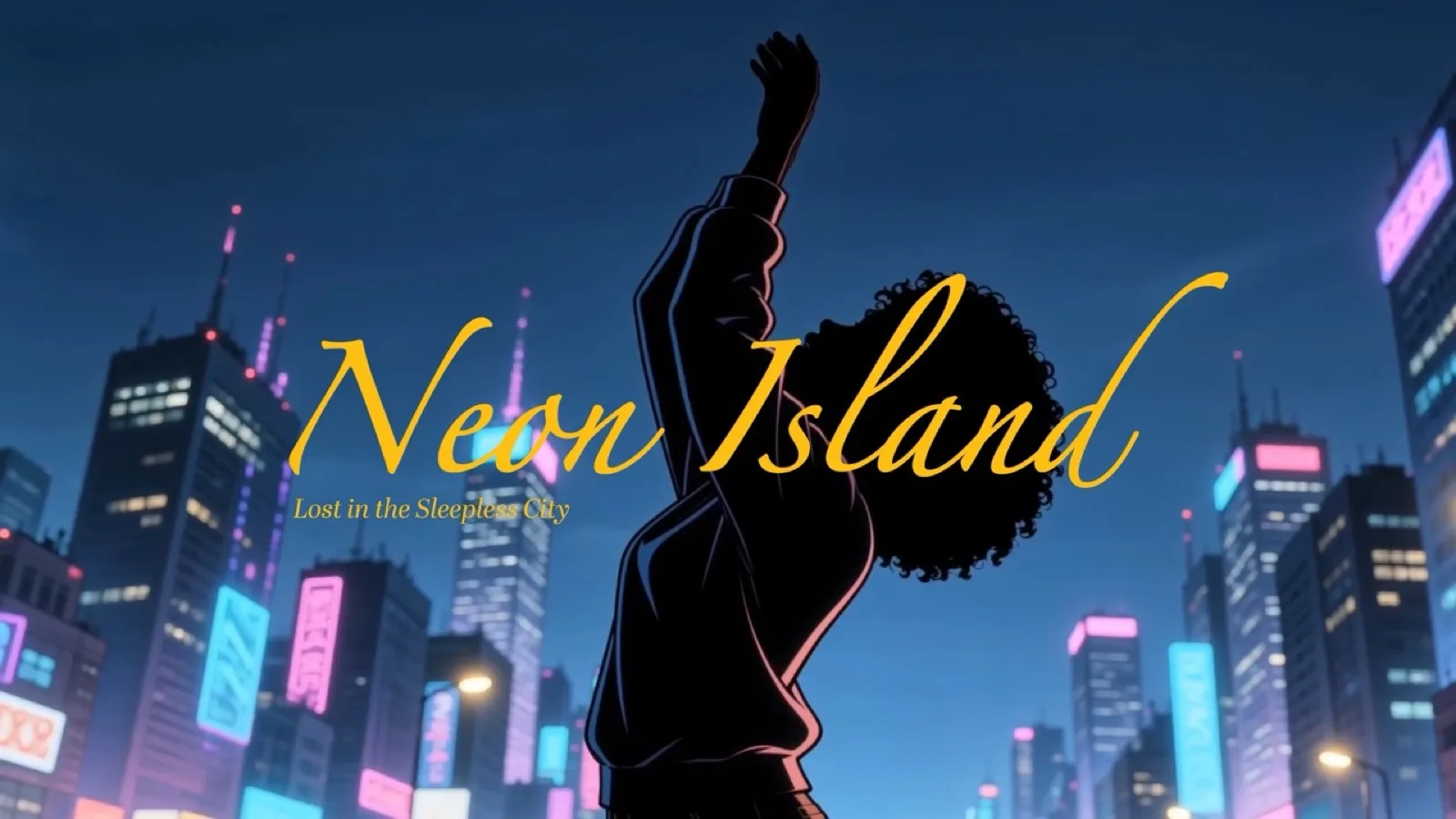
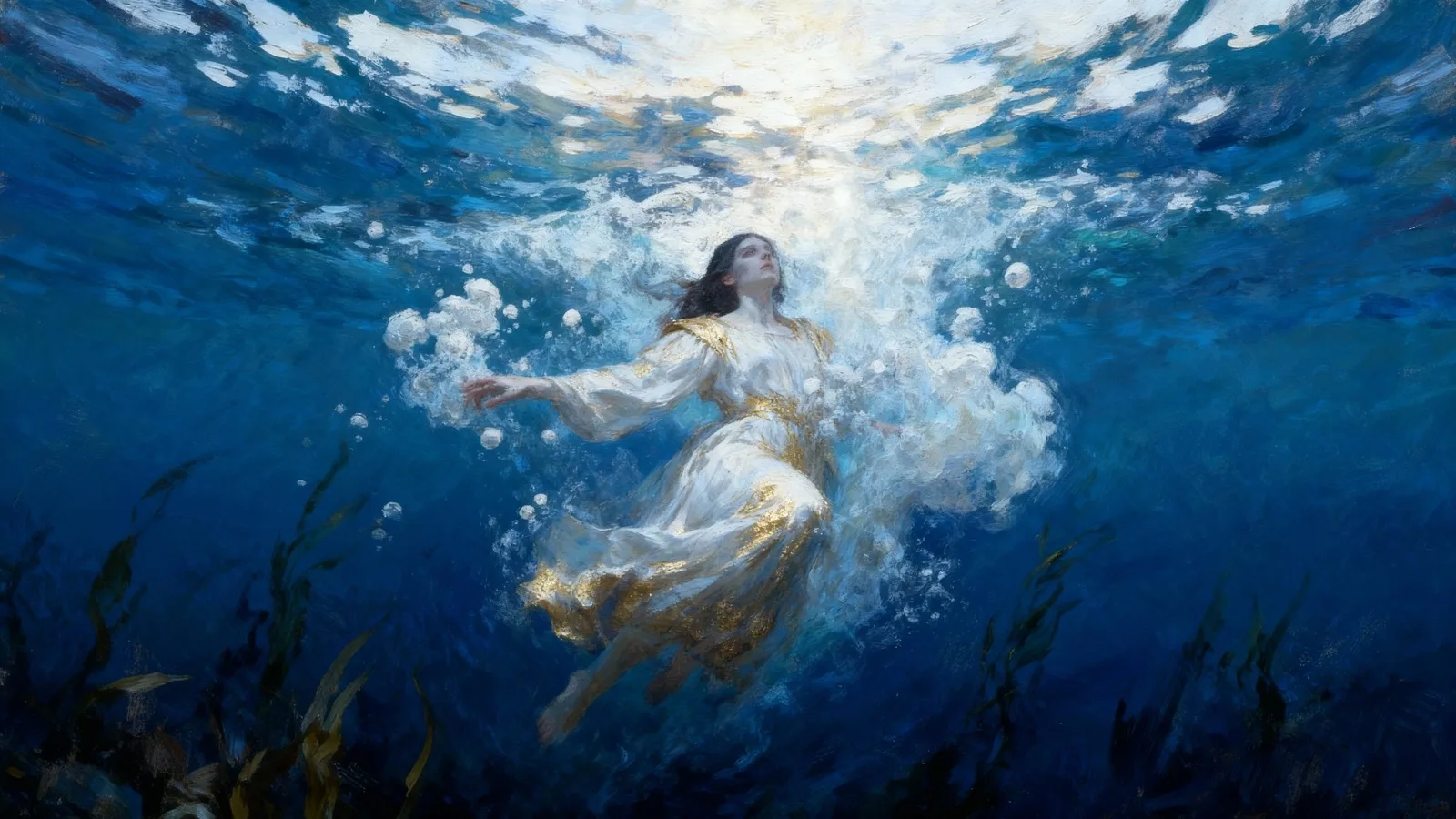
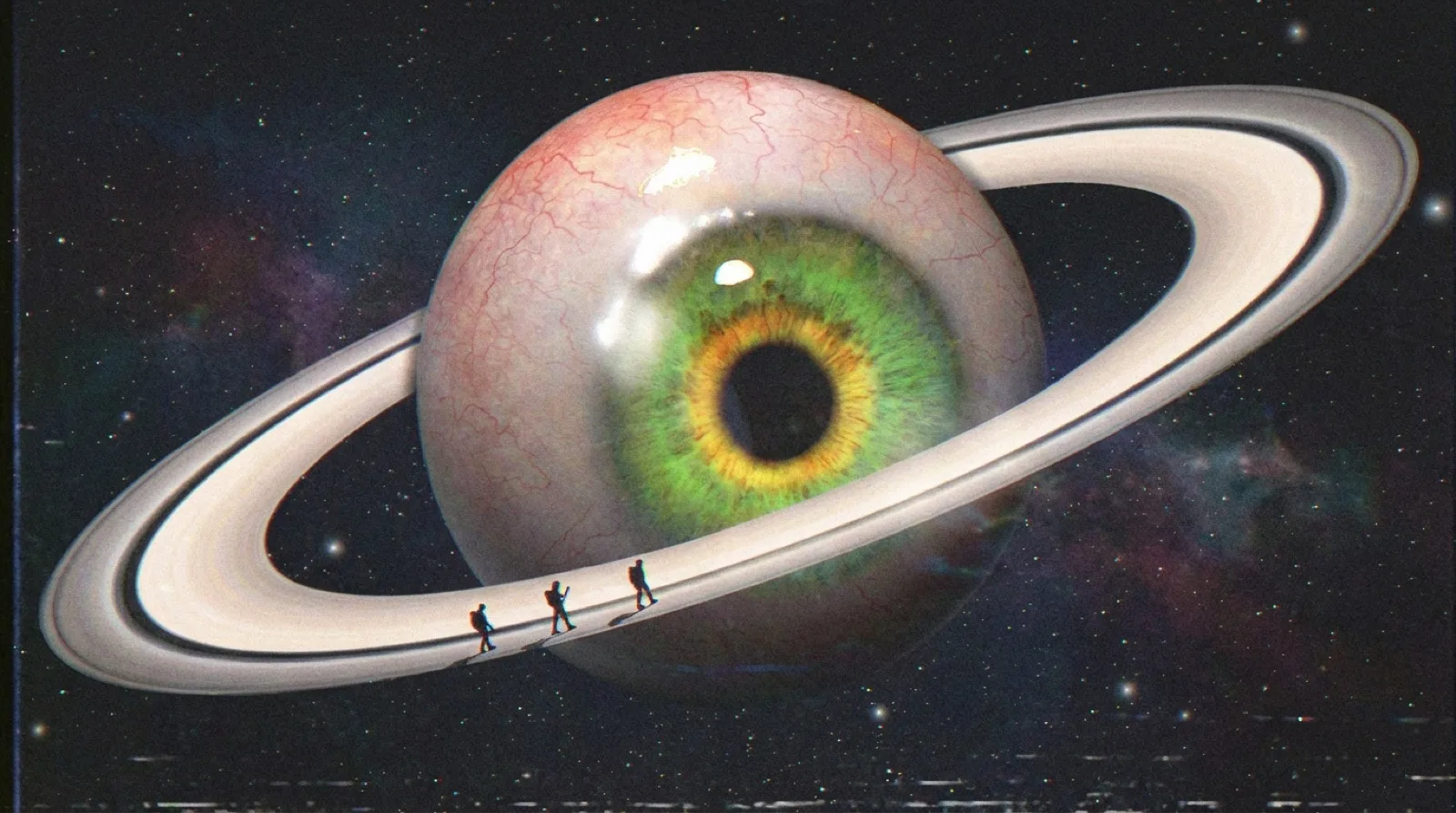
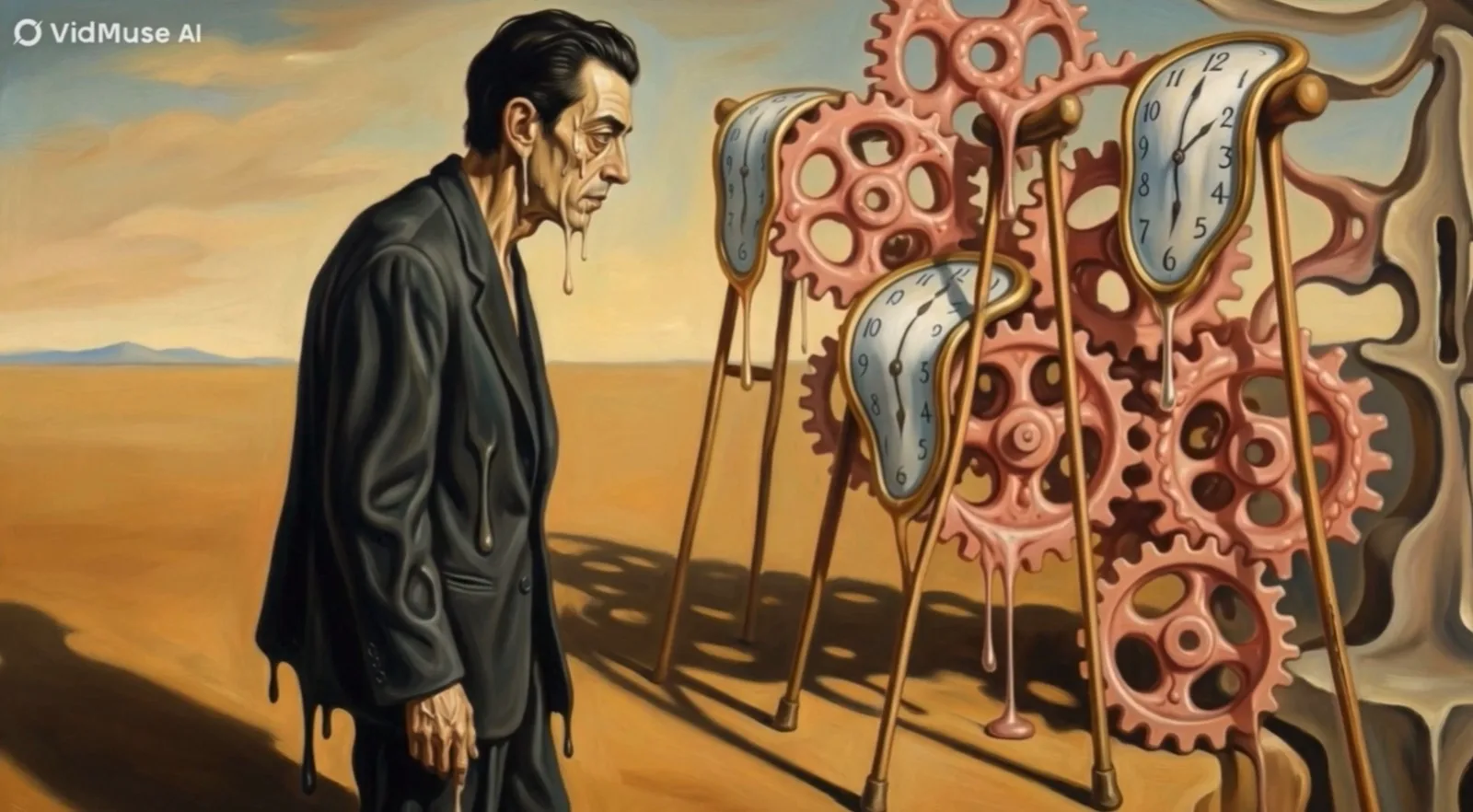
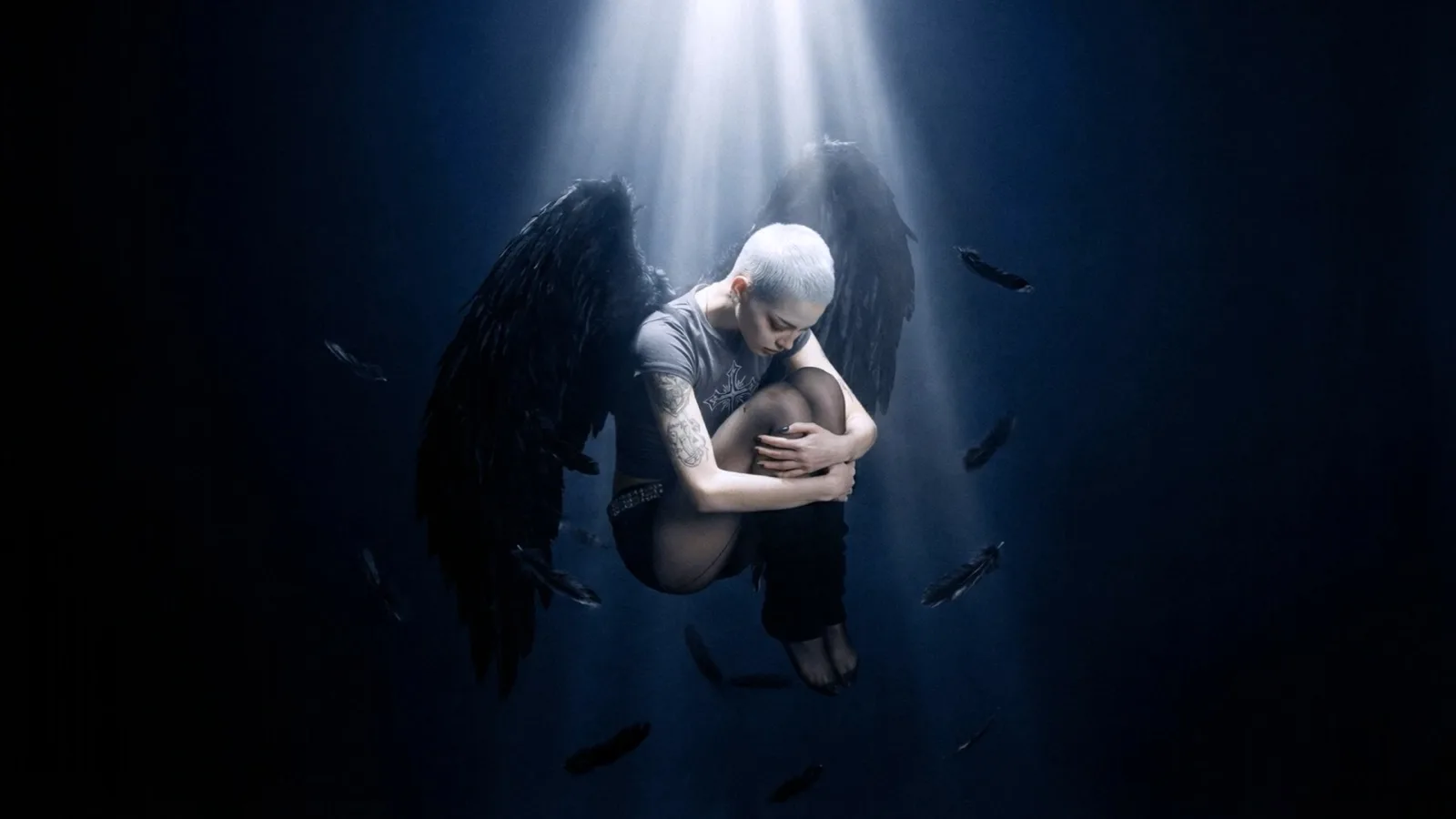
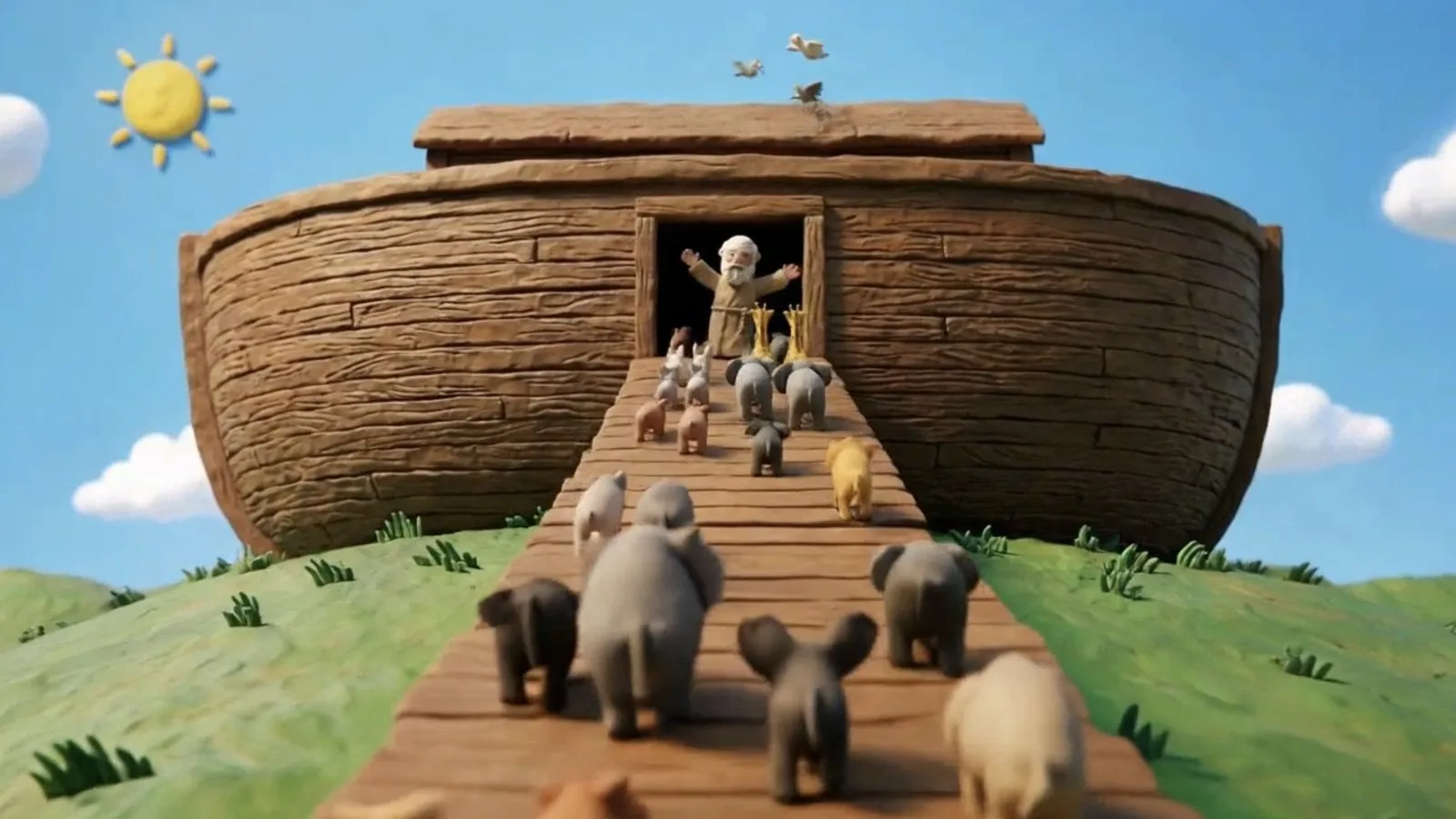
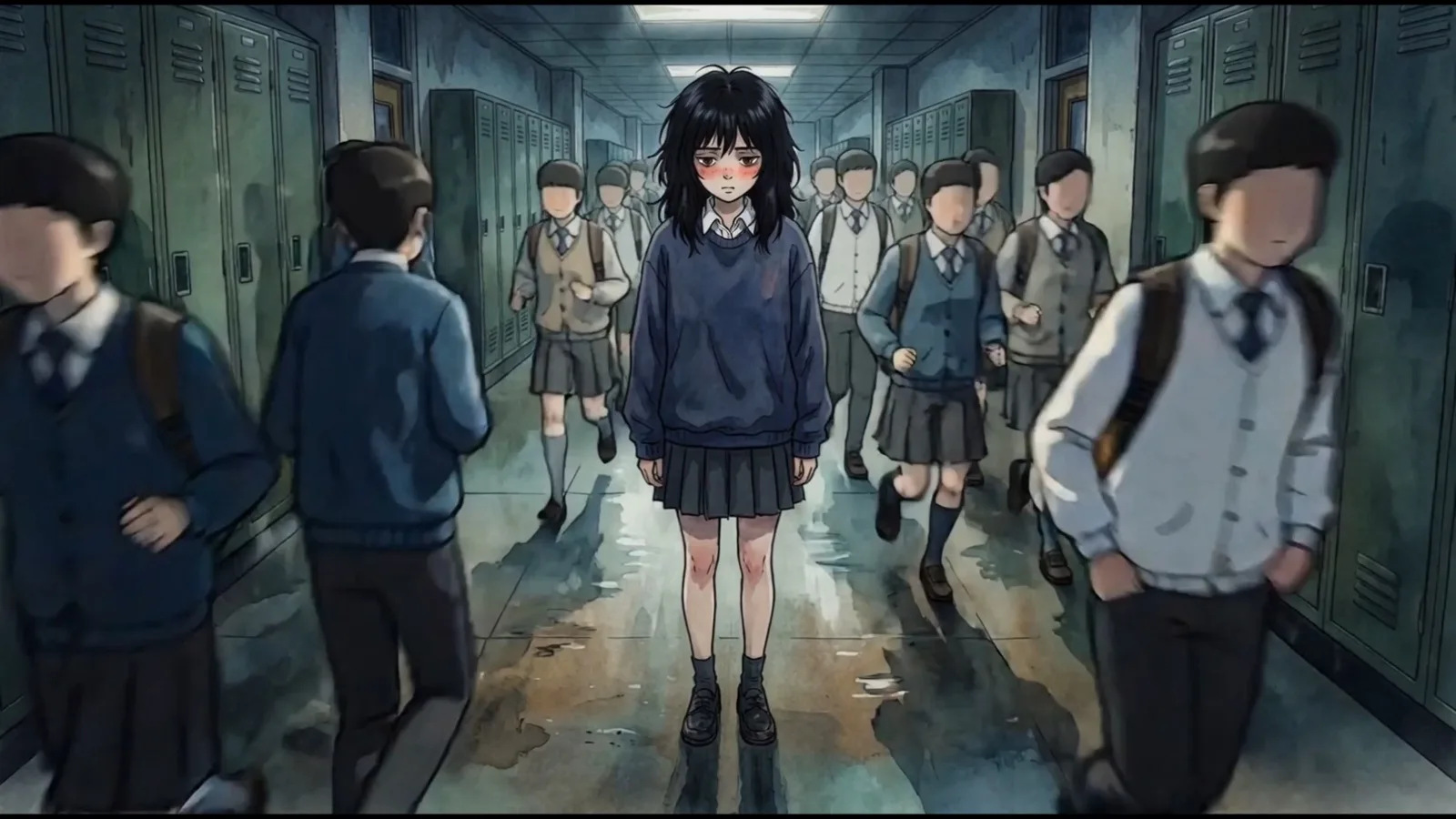
Generate and Compose AI Music Videos in BizMuse AI
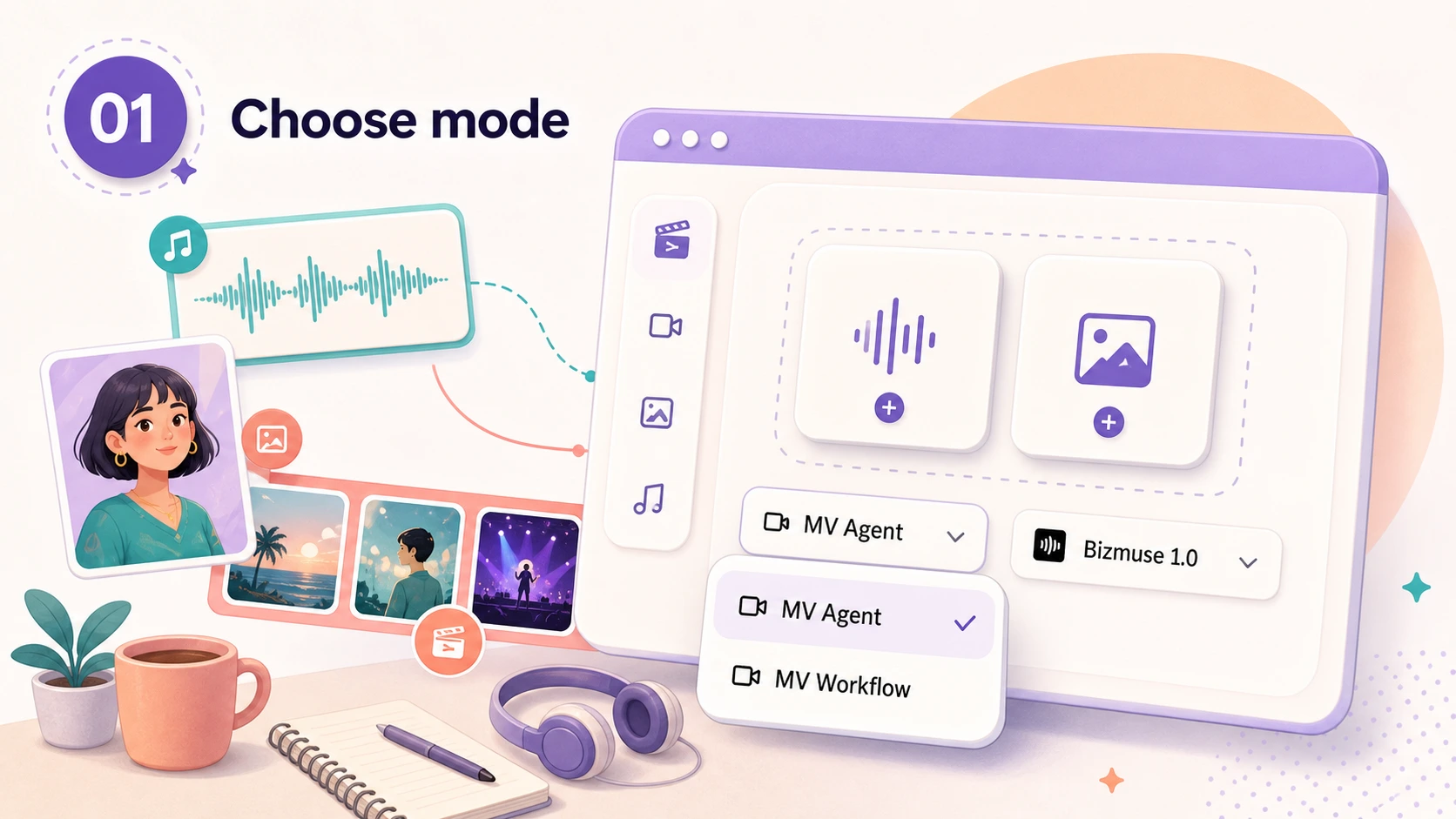
AI Music Video Generator Features
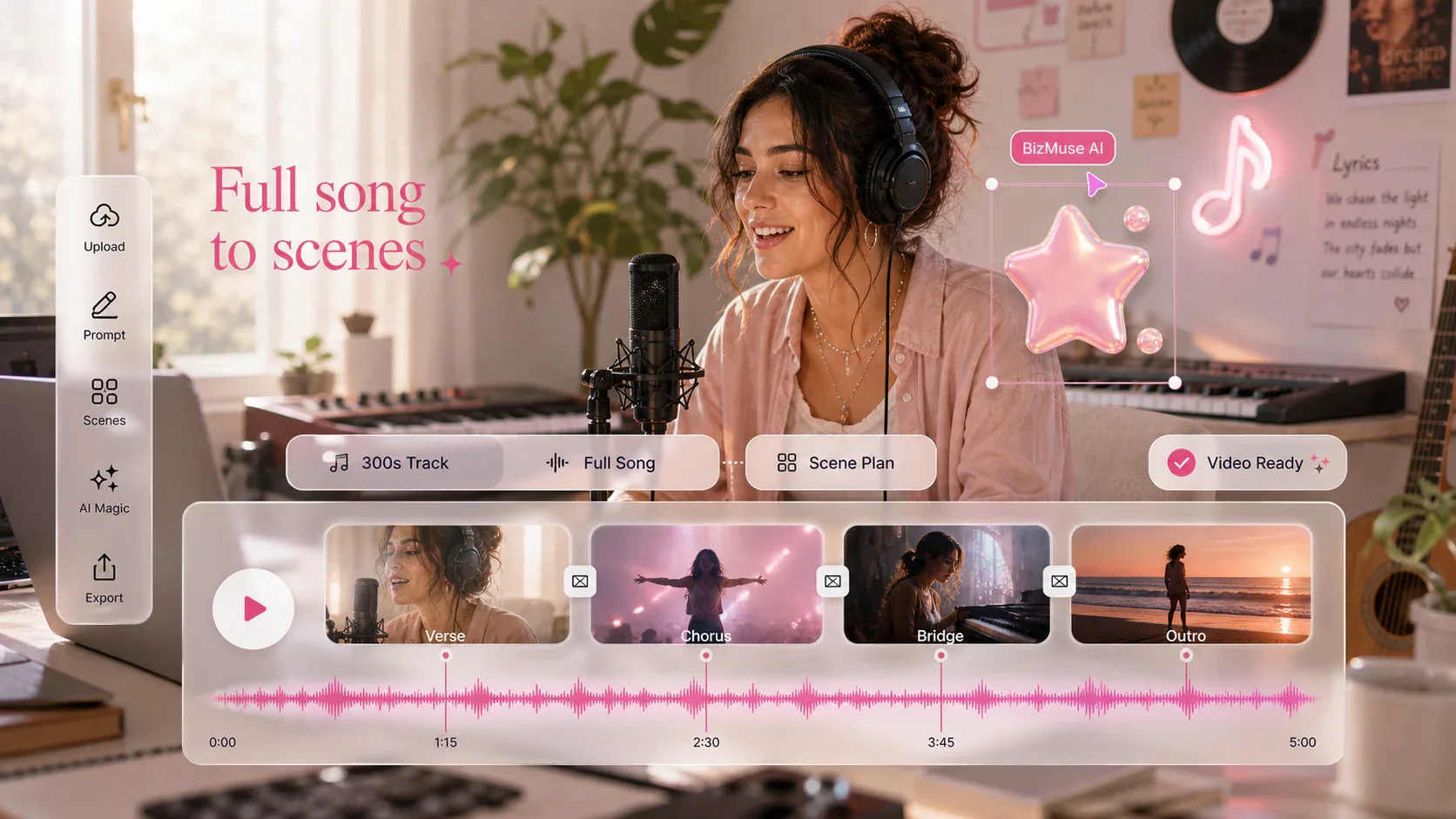
Make videos for songs up to 5 minutes
Use the AI music video generator to create from a full track up to 300 seconds, so verses, choruses, bridges, and longer release edits can stay in one creation flow.
Start a full-song MV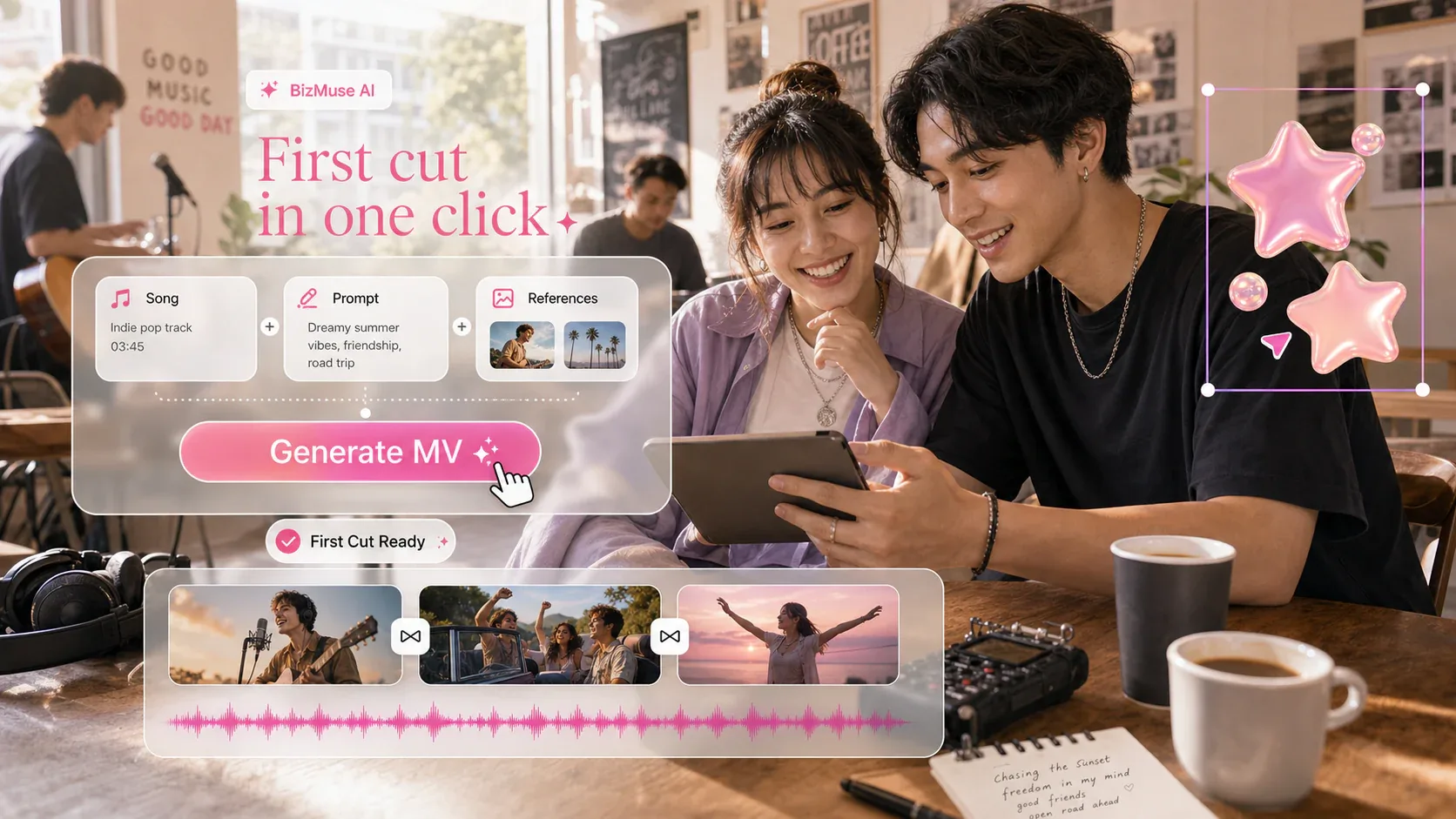
Generate a music video in one click
Start with your song, prompt, and references, then let the AI music video generator create the first direction without a blank editing timeline.
Generate the first cut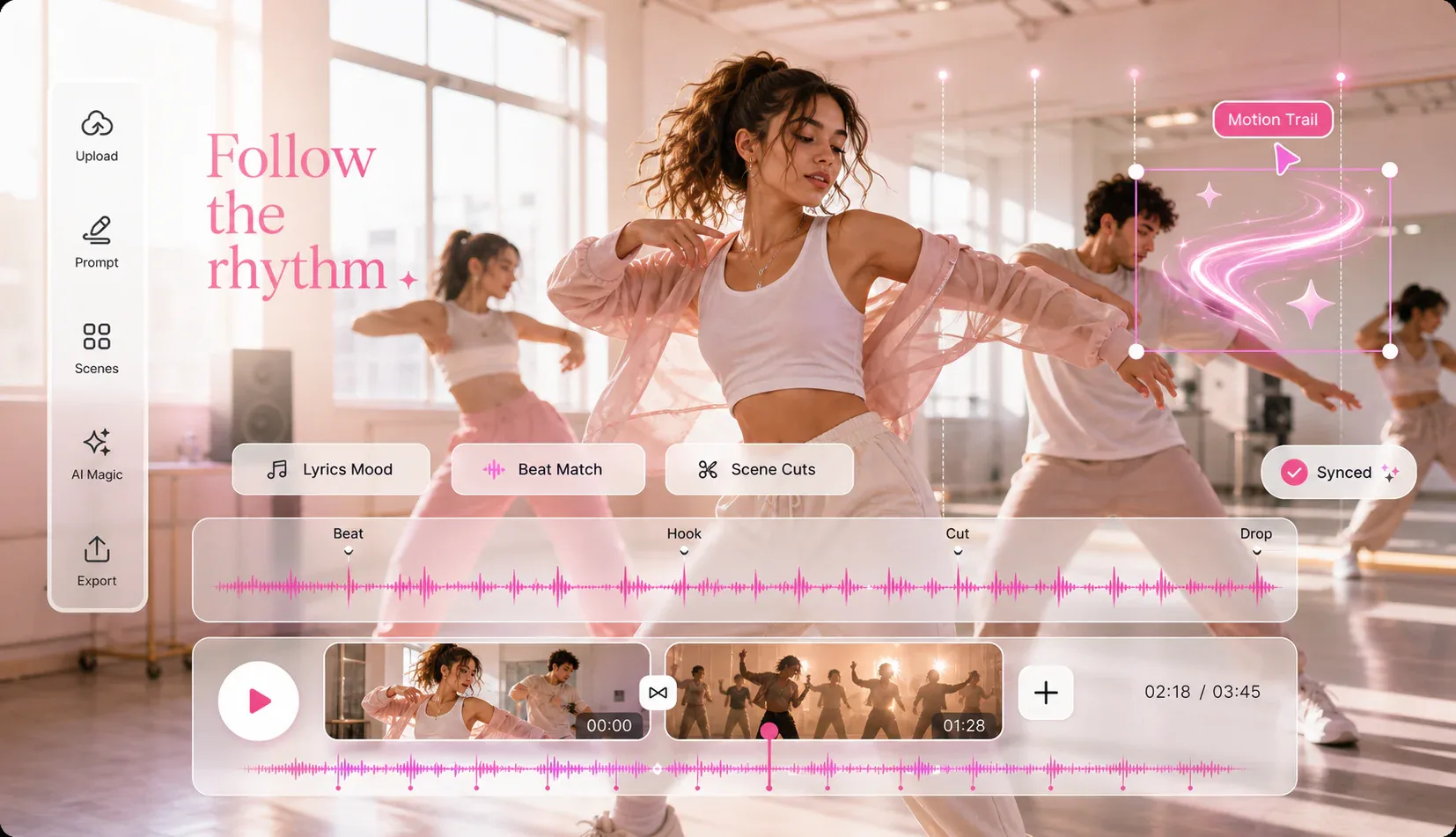
Let the video follow the song
Build AI music video scenes around the song instead of making random clips. Keep the mood, lyrics, and visual rhythm tied to the track.
Shape the rhythm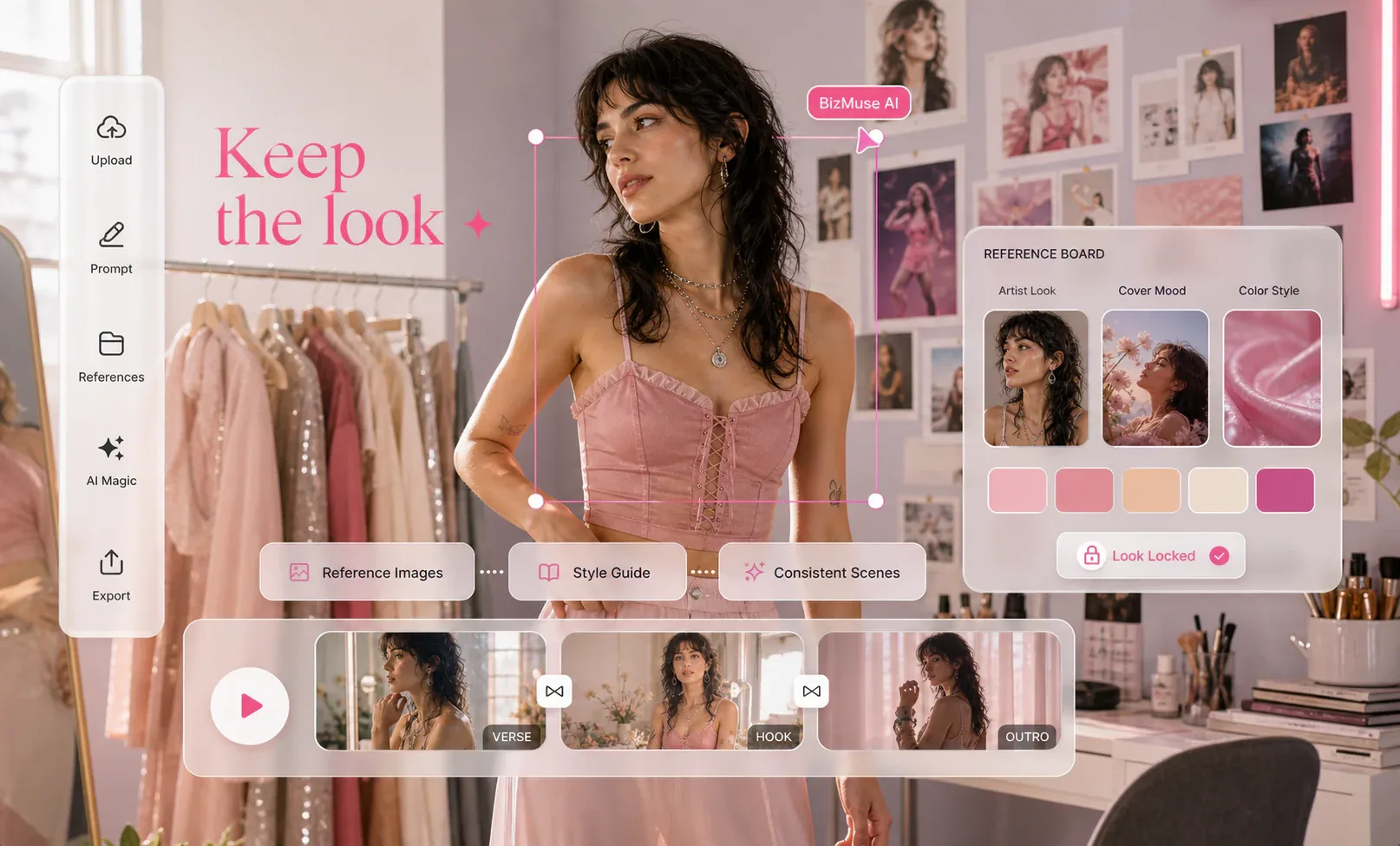
Keep the look you have in mind
Guide the AI music video generator with reference images for artist look, character direction, cover-art style, product mood, or campaign identity.
Guide the look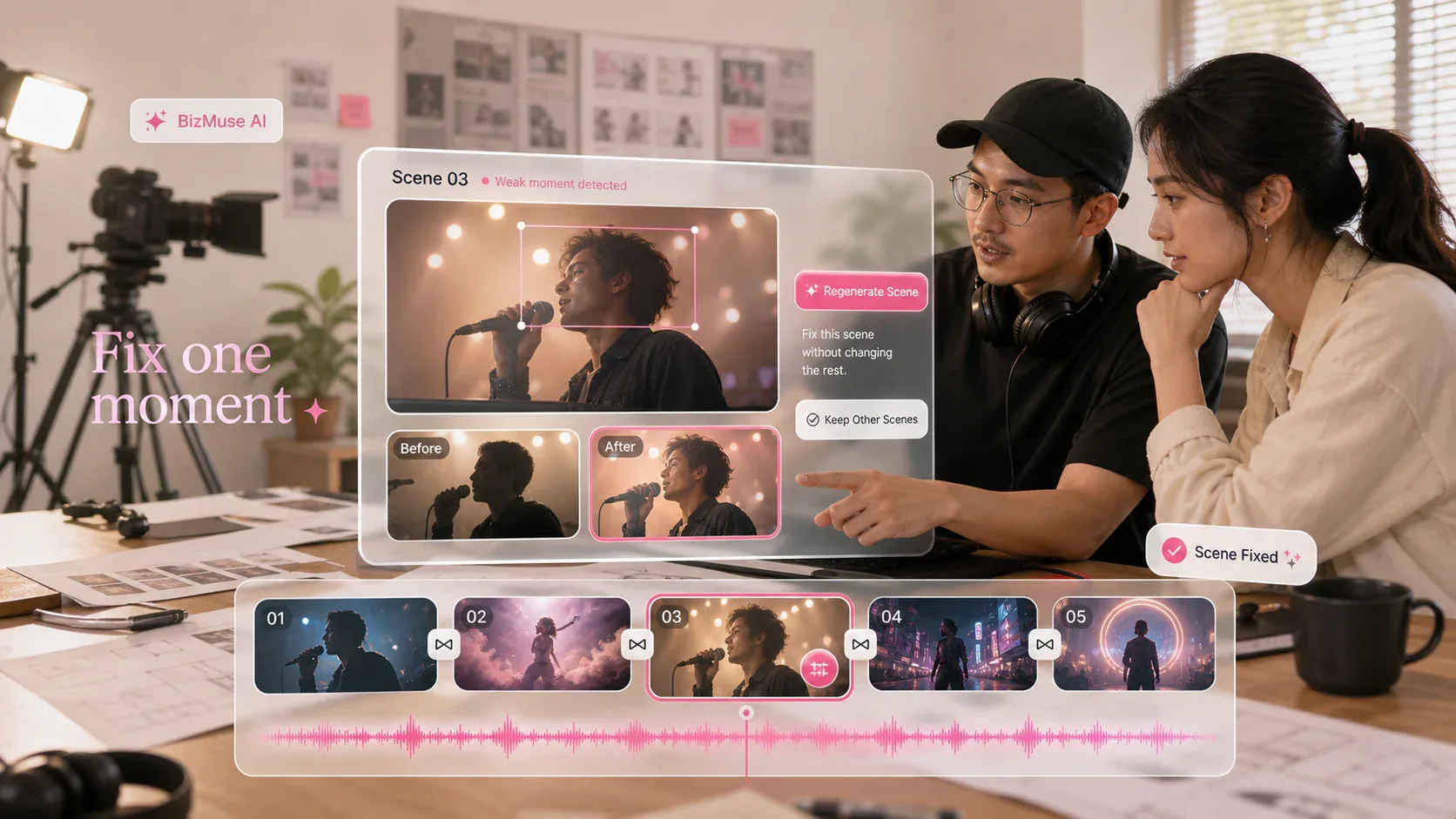
Fix one scene, not the whole video
Review the generated AI music video scenes, rewrite the weak moments, and regenerate selected parts without throwing away the whole video.
Refine a scene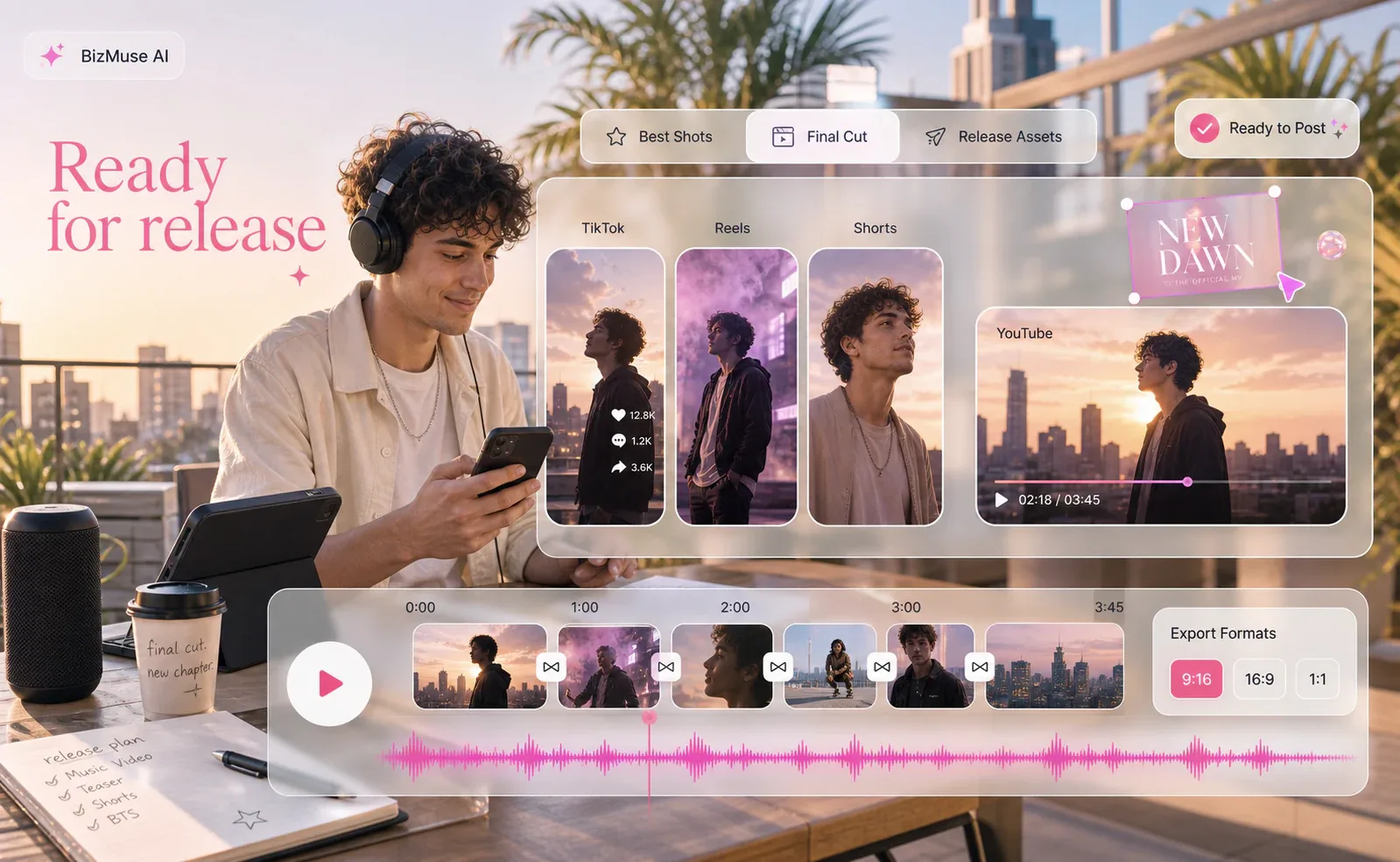
Build the final cut from the best shots
Compose the strongest scenes into a release-ready AI music video for YouTube, TikTok, Reels, Shorts, artist promos, or campaign launches.
Compose the releaseWhy Creators Choose BizMuse AI
Start with the full song
Use BizMuse AI as an AI music video generator built around the track itself. Bring in a song, lyrics, mood, and references so the first scene starts from the music, not a blank timeline.
Get the first cut without editing from zero
Turn your audio, prompt, and reference images into a directed AI music video starting point, then decide whether to refine a scene, regenerate, or continue the full idea.
Keep scenes tied to one visual idea
Keep prompts, references, content mode, model choice, and scene notes together so verses, choruses, hooks, and short cuts do not feel like unrelated AI clips.
Check the direction before more credits
Review the creative direction, model choice, and credit estimate before pushing into longer AI music video generations or final release edits.
AI Music Video Use Cases
How creators use BizMuse AI
Video
Media Types3
Workflow ModesVisible
Model ChoiceBefore
Credit EstimateI stopped treating the song prompt and the video prompt as separate tasks. BizMuse AI helped me lock the chorus mood before I spent credits on the first scene.
- Maya Chen, independent pop artist
AI music video generator FAQ
BizMuse AI is an AI Music Video Generator and creative workspace built for music video creation. It helps musicians, creators, marketing teams, and editors turn lyrics, moods, reference images, and release ideas into clear music-video briefs, model choices, credit estimates, AI music, and AI video scenes.
Start with the song direction first: genre, mood, lyrics, tempo, hook, audience, and visual world. Then use the workspace to generate music, plan matching video scenes, choose the model, review credits, and continue with the strongest result.
Creators use AI music video workflows for song teasers, lyric videos, visualizers, performance-style concepts, TikTok and Reels hooks, YouTube release assets, product launch soundtracks, and campaign mood pieces.
Use music, lyrics, images, videos, voices, or brand assets that you own, created, licensed, or have permission to process. Commercial use depends on the model, account plan, source material, output terms, and the rules of the platform where you publish.
Not yet as one automatic end-to-end pipeline. The current workspace brings AI music generation, AI video generation, prompt planning, model choice, and credit visibility into one flow, so you can create the track concept and then generate matching video scenes.
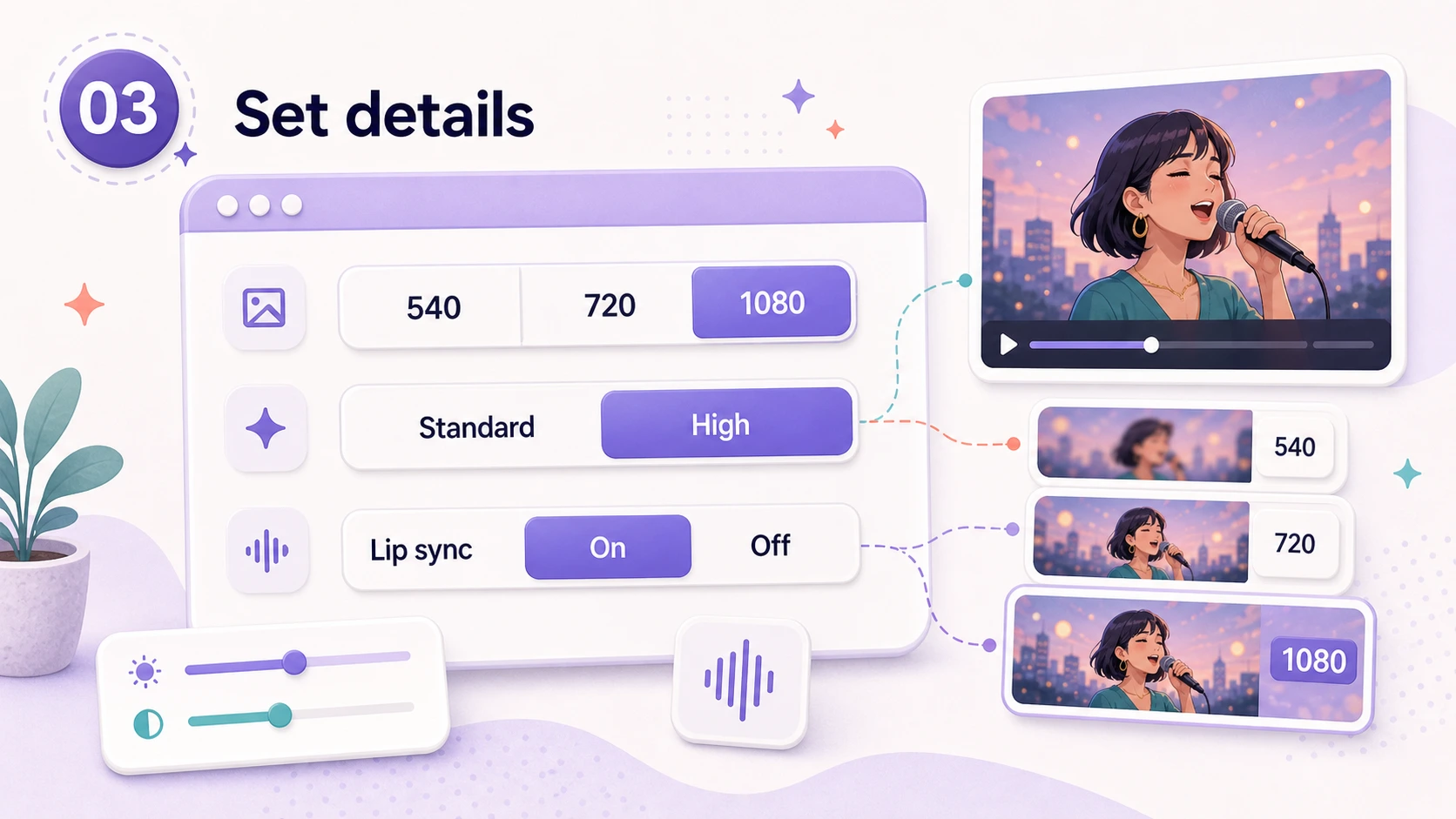
The workspace supports AI music generation plus AI video generation. Specific upload formats, duration limits, output resolution, aspect ratios, and credit costs depend on the active model and account configuration.
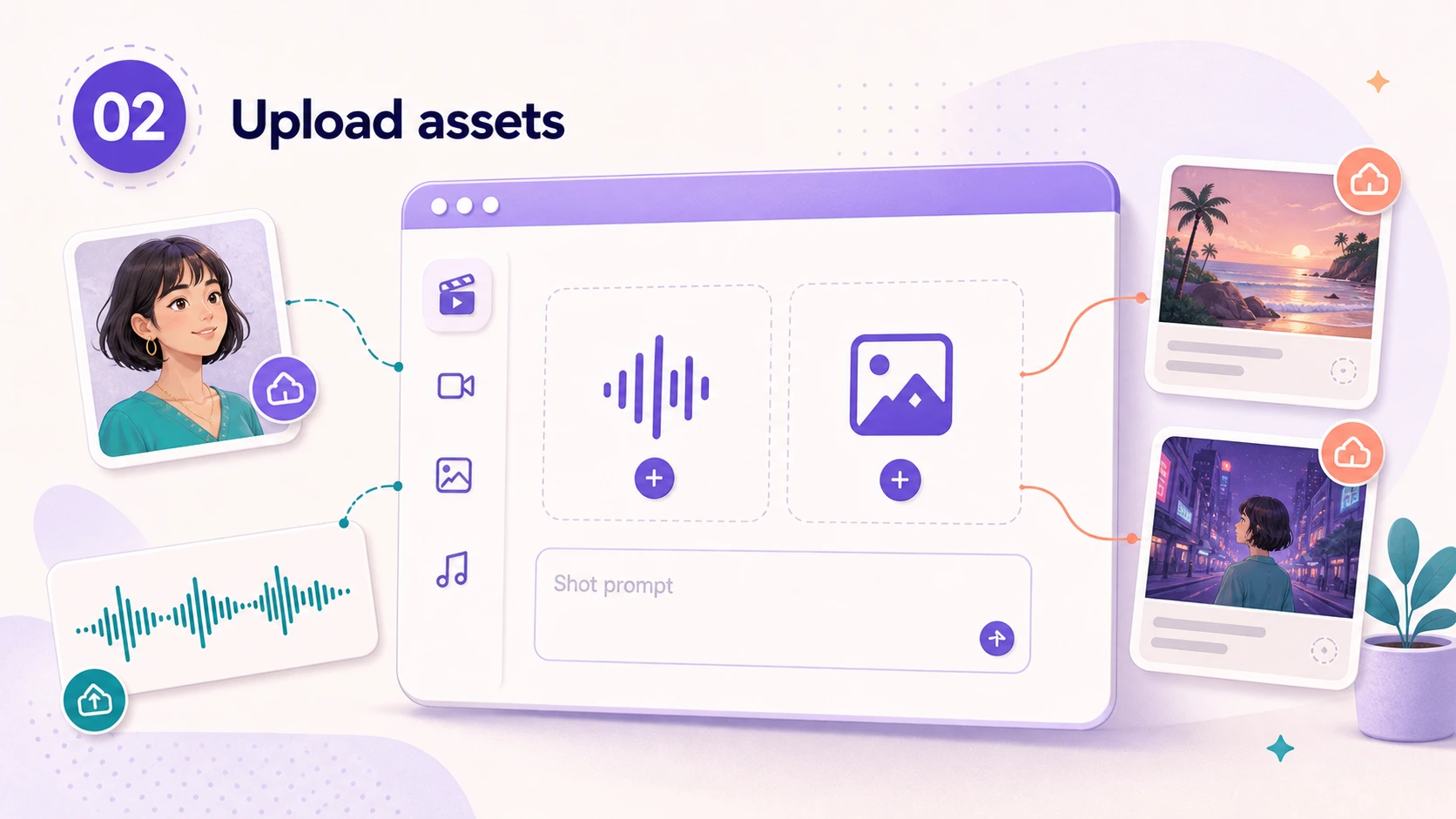
Yes. BizMuse AI is built around a visible workspace flow: pick Music or Video, choose a model, enter a prompt or upload references, review estimated credits, generate, and inspect the result before continuing the release plan.
No. BizMuse AI is designed for prompts, model selection, reference assets, credit review, and result inspection. You can still use a video editor for final timing, captions, color, audio mastering, and release packaging.